Muhammad Manamil on November 10, 2025




Laravel 12 brings a more powerful and flexible authentication system than ever before. Along with traditional email/password login, it now supports:
This guide explains how to implement both Social Login and Passkey authentication in a clean, production-ready way that you can directly use in your Laravel 12 project.
Combining both provides users a secure, seamless authentication experience.
AuthKit is a comprehensive authentication package for Laravel that provides:
Before we begin, ensure you have:
Laravel 12 allows three authentication setups:
Ready-made authentication including passkeys + social login.
Maximum control and fully customizable.
Use a third-party service for WebAuthn.
Below you'll find step-by-step instructions for all approaches.
AuthKit is a modern authentication starter included with Laravel 12. It provides:
laravel new projectname
Choose AuthKit during installation.
In .env:
AUTHKIT_CLIENT_ID=xxxx
AUTHKIT_SECRET=xxxx
AUTHKIT_REDIRECT=https://yourdomain.com/auth/callback
/login/register/auth/social/google/passkeys/register/passkeys/login
<a href="/auth/social/google" class="btn btn-google">Login with Google</a>
<a href="/auth/social/github" class="btn btn-github">Login with GitHub</a>
<button id="passkey-login">Use Passkey</button>
AuthKit includes JavaScript helpers for WebAuthn registration and login — no heavy setup required.
If you want full control or do not want to rely on a hosted solution, this is your best choice.
composer require laravel/socialite
config/services.php:
'google' => [
    'client_id' => env('GOOGLE_CLIENT_ID'),
    'client_secret' => env('GOOGLE_CLIENT_SECRET'),
    'redirect' => env('GOOGLE_REDIRECT'),
],
Route::get('/login/{provider}', function ($provider) {
    return Socialite::driver($provider)->redirect();
});
Route::get('/login/{provider}/callback', [SocialController::class, 'handle']);
class SocialController
{
    public function handle($provider)
    {
        $socialUser = Socialite::driver($provider)->user();
        $user = User::firstOrCreate(
            ['email' => $socialUser->getEmail()],
            ['name' => $socialUser->getName()]
        );
        Auth::login($user);
        return redirect('/');
    }
}
}
This completes social authentication.
You can use any of the well-known Laravel WebAuthn packages.
Example:
composer require vendor/webauthn
php artisan vendor:publish --tag=webauthn
php artisan migrate
public function createPasskeyOptions(Request $request)
{
    $options = WebAuthn::prepareCreate($request->user());
    session(['passkey_registration' => $options]);
    return response()->json($options);
}
public function verifyPasskey(Request $request)
{
    $verified = WebAuthn::validateCreate(
        $request->input(),
        session('passkey_registration'),
        $request->user()
    );
    return $verified
        ? response()->json(['success' => true])
        : response()->json(['error' => 'Verification failed'], 422);
}
| Problem | Cause | Solution |
|---|---|---|
| WebAuthn not working locally | No HTTPS | Use local certificate or staging domain |
| OAuth redirect mismatch | Wrong redirect URL | Add the correct URL in provider settings |
| Passkey fails to verify | Incorrect challenge | Ensure session challenge matches client |
| Google returns no email | Missing scope | Add email scope in Socialite |
Yes. Both methods can exist side-by-side without conflict.
They can, but it’s recommended to keep a fallback option.
iPhone, Android, macOS, Windows Hello, Chrome, Edge, Safari — almost all modern devices.
Yes. Major providers already verify users’ identities.
No. The private key never leaves the user’s device.
Featured Posts
Categories
November 10 2025
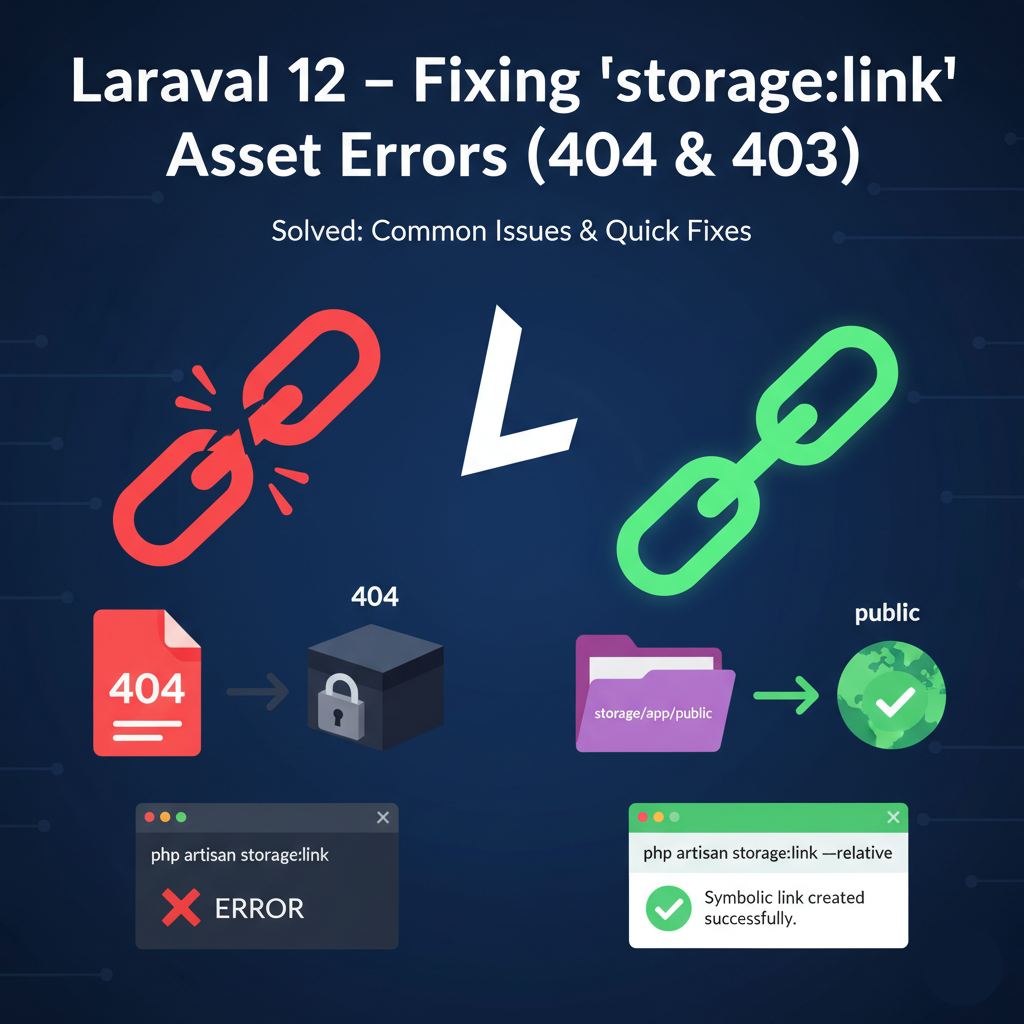
Laravel 12 – Fixing storage:link Asset ErrorFacing the “storage:link” asset error in Laravel 12? This guide walks you through the exact fixes for missing symlinks, incorrect file paths, and permission issues. Learn how to reconnect your public/storage link, adjust filesystem settings, and make uploaded files publicly accessible on both VPS and shared hosting environments.
December 01 2025
DNS Checker Tool - Verify Your DNS Records and IP AddressIf you're managing a website, ensuring that your DNS records are correctly configured is crucial for maintaining its performance and availability. With our DNS Checker Tool, you can easily verify your DNS records and check your IP address to troubleshoot any issues that may arise.


Built by a developer, for developers — free tools and real-world guides to help you code smarter, faster, and without the guesswork.
© 2026 — manamil.dev. All Rights Reserved.