Manamil Dev Logo

Muhammad Manamil on December 01, 2025

DNS Checker Tool - Verify Your DNS Records and IP Address

DNS Checker Tool - Verify Your DNS Records and IP Address
Share on X Share on Facebook Share on LinkedIn

Verify Your DNS Records and IP Address with Our DNS Checker Tool

If you're managing a website, ensuring that your DNS records are correctly configured is crucial for maintaining its performance and availability. With our DNS Checker Tool, you can easily verify your DNS records and check your IP address to troubleshoot any issues that may arise.

What is DNS?

DNS, or Domain Name System, is essentially the phonebook of the internet. When you type a website's domain name into your browser, DNS translates that name into an IP address so your browser knows where to find the site. Incorrect or outdated DNS records can cause issues like website downtime, slow loading speeds, or incorrect content delivery.

Why Use the DNS Checker Tool?

  • Verify DNS Records: Ensure that your DNS records are up-to-date and correctly configured.
  • Check Your IP Address: Verify your IP address to troubleshoot any connectivity issues.
  • Quick Results: Get instant feedback on the status of your DNS records to avoid any unnecessary delays in fixing issues.
  • User-Friendly Interface: Our tool is simple and easy to use, making it accessible to both beginners and advanced users.

How to Use the DNS Checker Tool?

  • Enter Your Domain Name: Simply type in your domain name (e.g., example.com).
  • Select the Type of DNS Record: Choose from various DNS records such as A, AAAA, CNAME, MX, TXT, etc.
  • Run the Check: Hit the "Check DNS" button and get the results in seconds.
  • View Results: The tool will display detailed information on your DNS records and IP address.

Benefits of DNS Checker Tool

  • Save Time: Rather than manually checking DNS records across multiple locations, our tool does it for you in seconds.
  • Accuracy: Get accurate, up-to-date information to ensure your DNS setup is correct.
  • Free to Use: No need to pay for premium services. Our tool is completely free and provides reliable results.

Common DNS Issues You Can Identify

  • DNS Propagation Delay: It takes time for DNS changes to propagate across the internet. Our tool helps you track how long it will take for these changes to appear globally.
  • DNS Resolution Errors: If a DNS record is incorrect or not configured, your website may not load. Use our tool to identify and fix these errors.
  • IP Address Mismatches: If your website is pointing to the wrong IP address, use our tool to check and resolve the issue quickly.

Conclusion

Our DNS Checker Tool is a fast, reliable, and free solution for checking your DNS records and IP address. Whether you’re troubleshooting issues or ensuring your website is configured correctly, this tool helps you maintain optimal performance.

Try it now and get immediate results! For more information, or to explore additional tools, visit DNS Checker Tool.

FAQs:

  1. What is a DNS record?
    A DNS record provides information about a domain, such as its IP address or email servers. It allows users to access your website or email services.

  2. How long does DNS propagation take?
    DNS changes can take anywhere from a few minutes to 48 hours to fully propagate worldwide.

  3. Why should I check my DNS records regularly?
    Regular checks ensure your DNS setup is correct, preventing issues like downtime or slow loading times.

Call to Action (CTA):

Need Help? If you’re experiencing DNS issues, use our DNS Checker Tool now or contact us for more detailed support.

#DNSChecker #DNSRecords #IPAddress #WebsiteOptimization #WebPerformance #TroubleshootDNS

Featured Posts

Read Next

December 01 2025

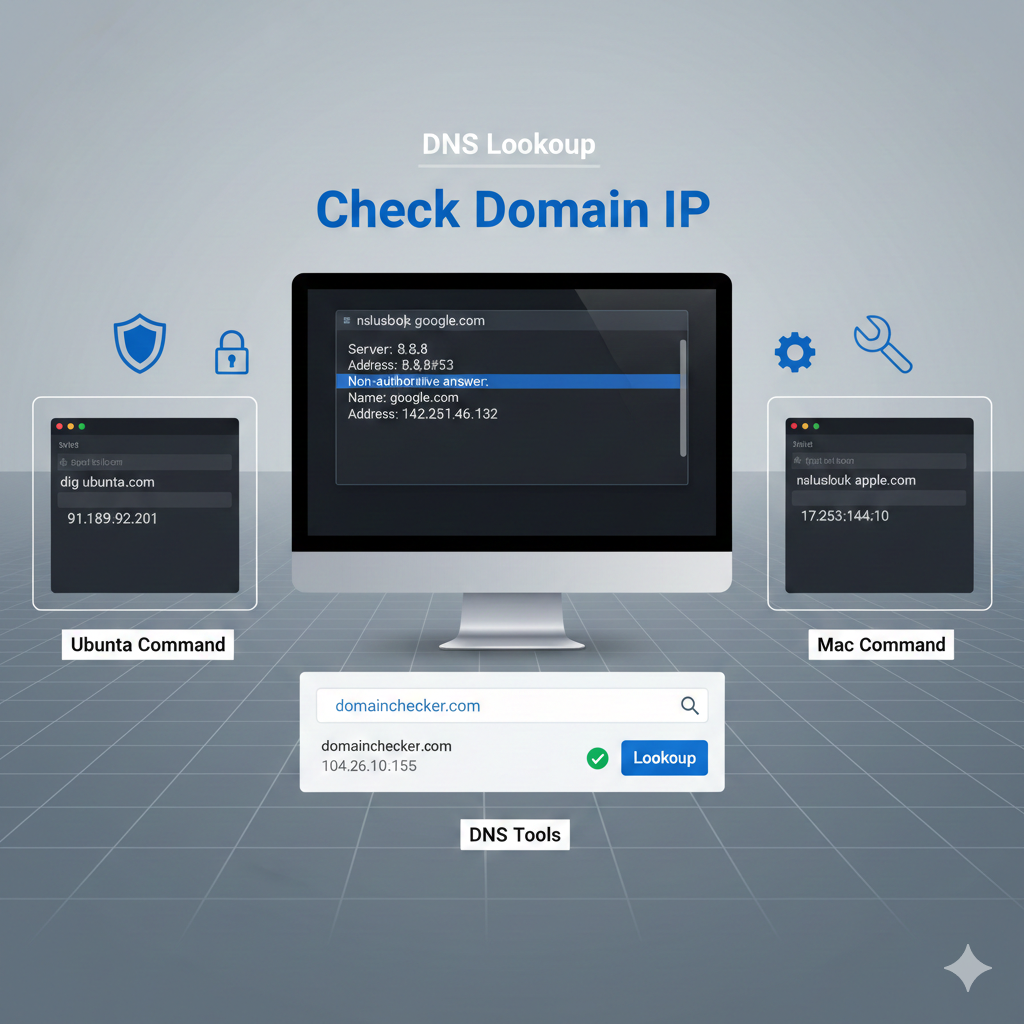
How to Check Your Domain's IP Address | Easy Step-by-Step Guide

Learn how to quickly check the IP address of your domain using methods for Ubuntu, Mac, and online DNS tools. Whether you're troubleshooting, securing your website, or configuring DNS settings, this guide provides simple, actionable steps to find your domain's IP with ease.

January 19 2026

Unmasking the N+1 Query Problem in Laravel: Your Guide to Faster Apps

Stop the N+1 query problem from killing your Laravel app's performance! 🚀 Learn exactly what causes this common database bottleneck and how to fix it in seconds using Eloquent Eager Loading (with()). Perfect for beginners looking to write professional, lightning-fast code.

January 19 2026

Soft Deletes vs Permanent Deletes in Laravel | Complete Guide with Examples

In Laravel, deleting data can be done in two ways: soft deletes and permanent deletes. Soft deletes mark a record as deleted without removing it, allowing recovery and auditing, while permanent deletes completely remove data from the database. Understanding the difference is essential for proper data management and maintaining clean, reliable applications.

Design Circle Design Circle
Manamil Dev Logo

Where ideas meet innovation. Exploring tech, design, and creativity in every line of code.

© 2026 — Revision. All Rights Reserved.