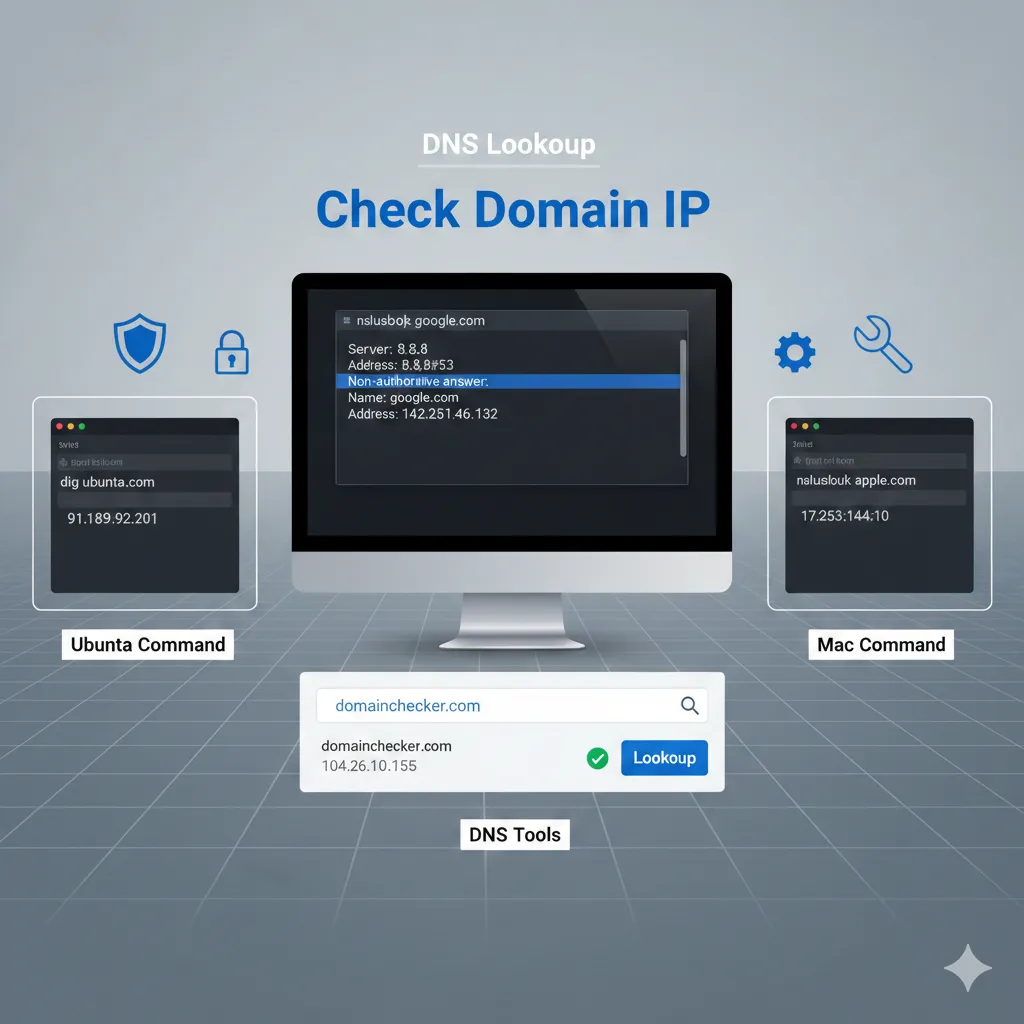
Learn how to quickly check the IP address of your domain using methods for Ubuntu, Mac, and online DNS tools. Whether you're troubleshooting, securing your website, or configuring DNS settings, this guide provides simple, actionable steps to find your domain's IP with ease.
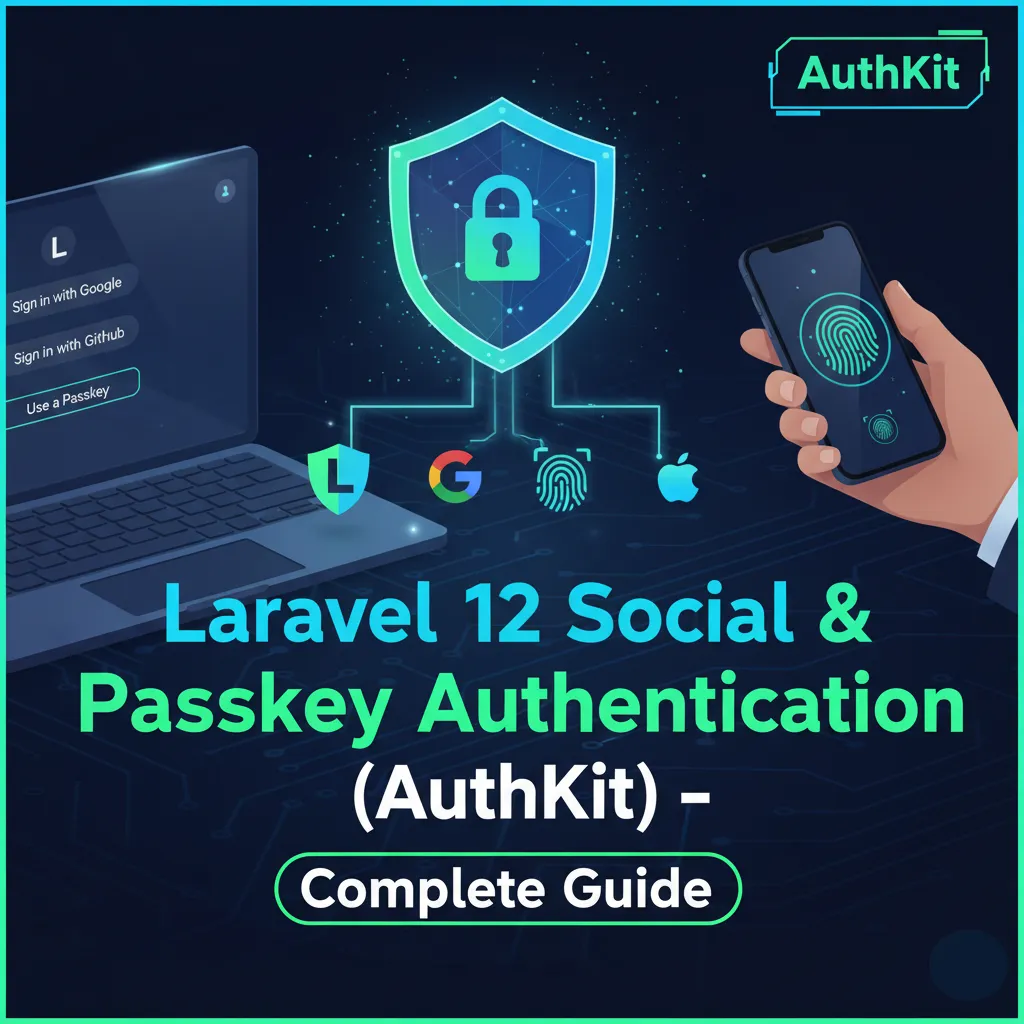
Read articleLaravel 12 Social & Passkey Authentication (AuthKit) – Complete Guide
Introduction to Modern Authentication {#introduction}
Laravel 12 brings a more powerful and flexible authentication system than ever before. Along with traditional email/password login, it now supports:
- Social authentication (Google, GitHub, Facebook, etc.)
- Modern passkeys using WebAuthn
- Passwordless login experiences
- AuthKit starter with built-in SSO + passkey support
This guide explains how to implement both Social Login and Passkey authentication in a clean, production-ready way that you can directly use in your Laravel 12 project.
Why Use Social Login + Passkeys?
Benefits of Social Login
- Quick and frictionless sign-up
- Users don’t need to remember passwords
- Verified email addresses
- Reduced support overhead
Benefits of Passkeys (WebAuthn)
- No passwords required
- Immune to phishing
- Extremely hard to hack
- Works with Face ID, Touch ID, Windows Hello, Android security keys
Combining both provides users a secure, seamless authentication experience.
What is AuthKit?
AuthKit is a comprehensive authentication package for Laravel that provides:
- Social authentication (Google, GitHub, Facebook, Twitter)
- Passkey/WebAuthn support
- Multi-factor authentication
- Session management
- Security monitoring
Prerequisites
Before we begin, ensure you have:
- PHP 8.2+ installed
- Composer globally installed
- Laravel 12 installed
- A database (MySQL/PostgreSQL/SQLite)
- Text editor/IDE
Setup Paths You Can Choose
Laravel 12 allows three authentication setups:
1. AuthKit (Fastest & Most Complete)
Ready-made authentication including passkeys + social login.
2. Socialite + WebAuthn Package (Self-Hosted)
Maximum control and fully customizable.
3. Hosted Passkey Services (Easiest Passkey Setup)
Use a third-party service for WebAuthn.
Below you'll find step-by-step instructions for all approaches.
Option A: Laravel 12 AuthKit (Recommended Beginner Option)
AuthKit is a modern authentication starter included with Laravel 12. It provides:
- Social Login buttons
- Passkey/WebAuthn support
- Registration and login pages
- Email/password fallback
- User management
Step 1 — Create a New Laravel Project with AuthKit
laravel new projectname
Choose AuthKit during installation.
Step 2 — Add Environment Variables
In .env:
AUTHKIT_CLIENT_ID=xxxx
AUTHKIT_SECRET=xxxx
AUTHKIT_REDIRECT=https://yourdomain.com/auth/callback
Step 3 — AuthKit Provides Ready-Made Routes
/login/register/auth/social/google/passkeys/register/passkeys/login
Step 4 — Add Frontend Buttons (Blade)
<a href="/auth/social/google" class="btn btn-google">Login with Google</a>
<a href="/auth/social/github" class="btn btn-github">Login with GitHub</a>
<button id="passkey-login">Use Passkey</button>
Step 5 — Built-in JS for Passkeys
AuthKit includes JavaScript helpers for WebAuthn registration and login — no heavy setup required.
Option B: Socialite + WebAuthn (Fully Custom Setup)
If you want full control or do not want to rely on a hosted solution, this is your best choice.
Part 1 — Social Login using Socialite
Step 1 — Install Socialite
composer require laravel/socialite
Step 2 — Configure Provider
config/services.php:
'google' => [
'client_id' => env('GOOGLE_CLIENT_ID'),
'client_secret' => env('GOOGLE_CLIENT_SECRET'),
'redirect' => env('GOOGLE_REDIRECT'),
],
Step 3 — Add Routes
Route::get('/login/{provider}', function ($provider) {
return Socialite::driver($provider)->redirect();
});
Route::get('/login/{provider}/callback', [SocialController::class, 'handle']);
Step 4 — Controller
class SocialController
{
public function handle($provider)
{
$socialUser = Socialite::driver($provider)->user();
$user = User::firstOrCreate(
['email' => $socialUser->getEmail()],
['name' => $socialUser->getName()]
);
Auth::login($user);
return redirect('/');
}
}
}
This completes social authentication.
Part 2 — Passkey (WebAuthn) Authentication
You can use any of the well-known Laravel WebAuthn packages.
Step 1 — Install Your WebAuthn Package
Example:
composer require vendor/webauthn
Step 2 — Publish & Migrate
php artisan vendor:publish --tag=webauthn
php artisan migrate
Step 3 — Generate Registration Challenge
public function createPasskeyOptions(Request $request)
{
$options = WebAuthn::prepareCreate($request->user());
session(['passkey_registration' => $options]);
return response()->json($options);
}
Step 4 — Verify Attestation
public function verifyPasskey(Request $request)
{
$verified = WebAuthn::validateCreate(
$request->input(),
session('passkey_registration'),
$request->user()
);
return $verified
? response()->json(['success' => true])
: response()->json(['error' => 'Verification failed'], 422);
}
Frontend JavaScript (Passkey Registration Example)
User Experience Tips
- Provide all login options on the same screen
- Recommend passkeys for returning users
- Allow users to add multiple passkeys (laptop + phone)
- Provide delete/rename options for passkeys
Security Best Practices
- Always use HTTPS — mandatory for WebAuthn
- Keep RPID (Relying Party ID) consistent
- Use rate limiting for login requests
- Store only the public key, not the private key
- Use fallback login (email/password or OTP)
Common Problems & Solutions
| Problem | Cause | Solution |
|---|---|---|
| WebAuthn not working locally | No HTTPS | Use local certificate or staging domain |
| OAuth redirect mismatch | Wrong redirect URL | Add the correct URL in provider settings |
| Passkey fails to verify | Incorrect challenge | Ensure session challenge matches client |
| Google returns no email | Missing scope | Add email scope in Socialite |
FAQs
1. Can I use social login and passkeys together?
Yes. Both methods can exist side-by-side without conflict.
2. Do passkeys completely replace passwords?
They can, but it’s recommended to keep a fallback option.
3. Which devices support passkeys?
iPhone, Android, macOS, Windows Hello, Chrome, Edge, Safari — almost all modern devices.
4. Is social login secure?
Yes. Major providers already verify users’ identities.
5. Does WebAuthn store private keys on the server?
No. The private key never leaves the user’s device.
Read next.
All articlesLearn how to install a free SSL certificate on your Ubuntu server using Certbot and Let’s Encrypt. This step-by-step 2026 guide will help you secure your website with HTTPS, boost trust, and improve SEO — all without paying a single rupee
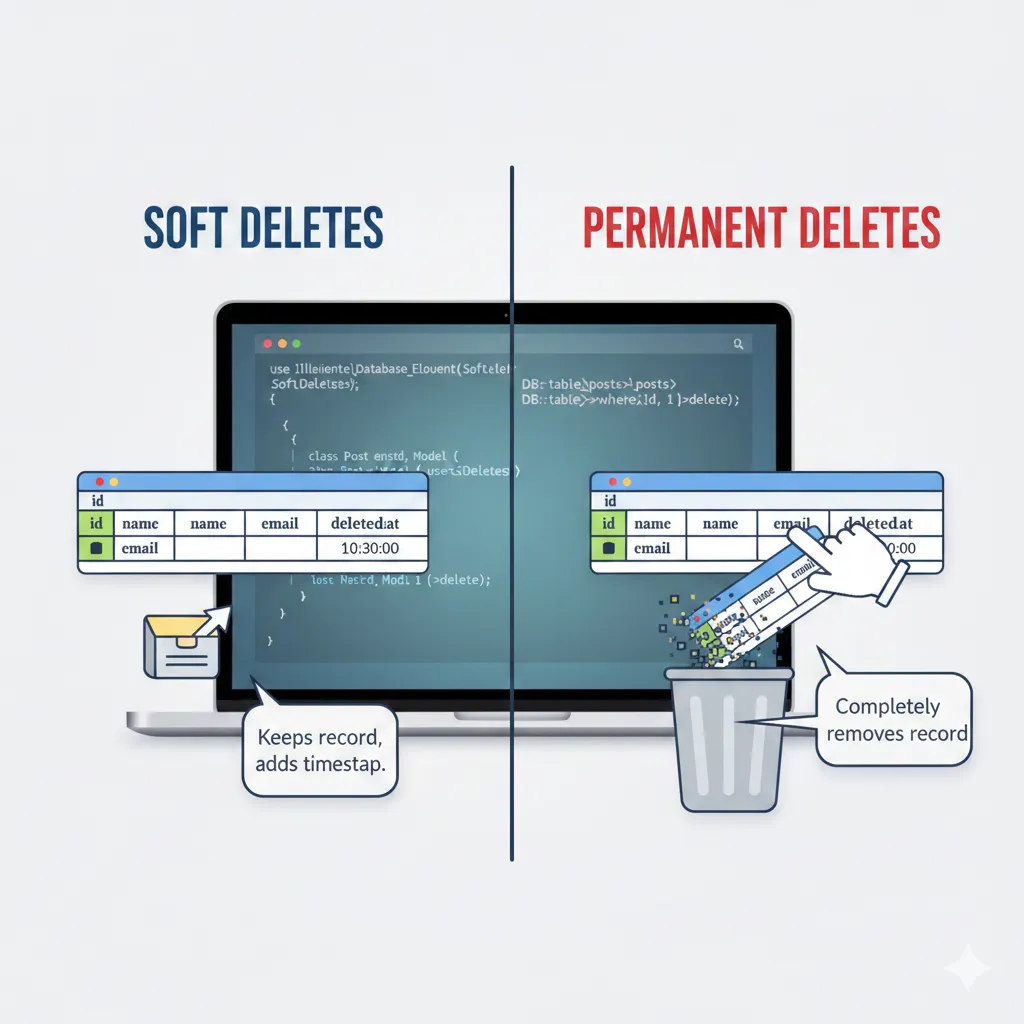
Read articleIn Laravel, deleting data can be done in two ways: soft deletes and permanent deletes. Soft deletes mark a record as deleted without removing it, allowing recovery and auditing, while permanent deletes completely remove data from the database. Understanding the difference is essential for proper data management and maintaining clean, reliable applications.
Read article